
Play It
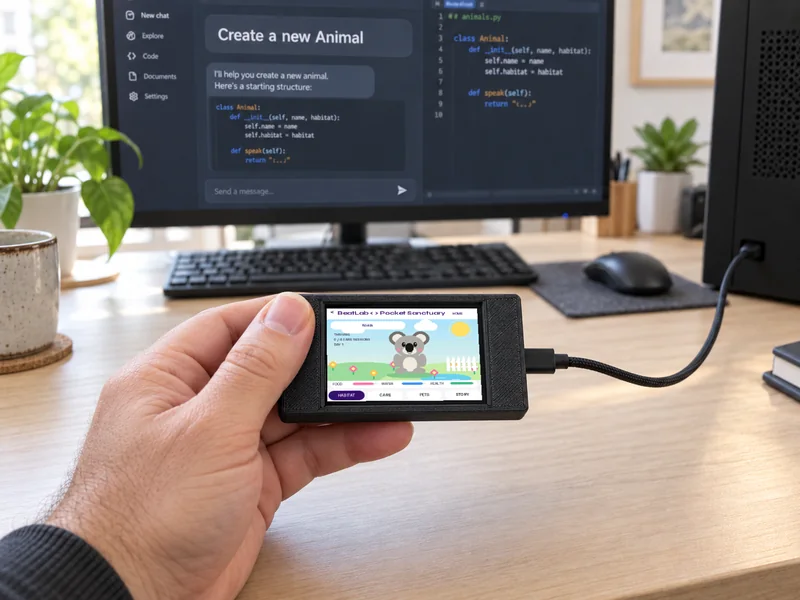
Start with a working project.
Play Pocket Sanctuary on your box.
BEGINNERS WELCOME
Connect your device, ask Claude Code or Codex to identify it, and start your first project or change.
Fully assembled · Two projects preloaded · USB cable and microSD included
Customization requires your computer, internet and compatible AI account. Subscription costs may apply. Setup requirements →
Connect the assembled device to your computer with the included USB cable.
Start a conversation in your AI coding tool on your computer.
I connected my Digital Builder Box by USB. Help me identify the connected device. Tell me what you can detect and what access you need. Do not change or erase anything yet.
The editable starter-project files are on the included microSD card. Give your AI tool access to those files and ask it to explain what is there.
Help me open the starter-project files on the included microSD card. Explain the projects and suggest one easy first change. If you cannot access the files, tell me what I need to open on my computer.
Choose a small change to a starter project, or describe a new project idea. Ask AI to help build the simplest first version.
Help me change one color in this project. Explain your changes and keep a copy of the original files.
Ask AI to help build and load the project, then test it on the device. Describe what happened and ask for your next adjustment.
Help me build and load this project onto the connected device. Check the device and project settings, explain the steps, and help me back up the device before writing changes. Wait for my approval before uploading.
You describe the idea. AI helps with the code. You try the result.
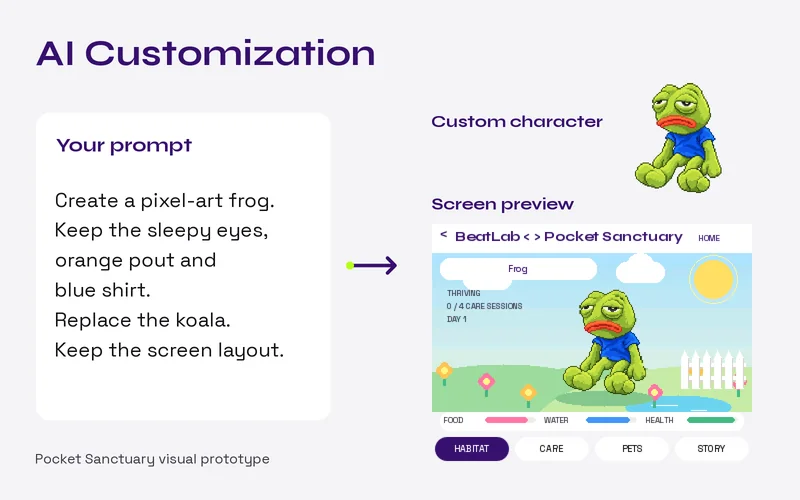
“Help me add a frog to this project. Explain what you change.”
AI helps write and explain the code on your computer.
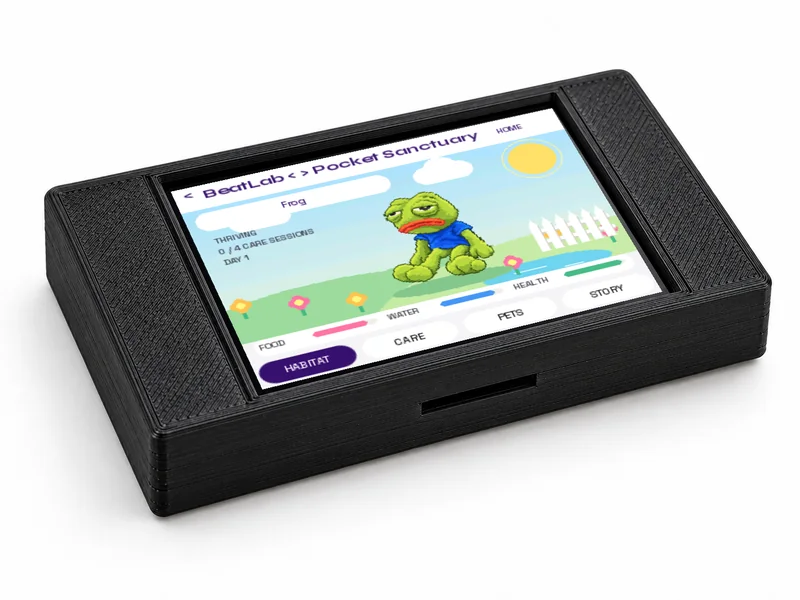
Illustrated example, not a recorded AI session. Starter-project files are on the included microSD card.
INCLUDED IN ONE KIT
YOU SUPPLY FOR AI CUSTOMIZATION
Subscription costs may apply. AI providers set their own age and permission requirements.
Review setup requirements →Use Claude Code or Codex on your computer with your own account. Connect your device using the included USB cable. AI helps you understand and change the code on your computer; the project runs on the device.
Tell your AI coding tool what you expected and what happened. Ask it to explain the next small change, then test again. If the device itself is not working as expected, contact support.
Fully assembled · Two projects preloaded · USB cable and microSD included
Customization requires your computer, internet and compatible AI account. Subscription costs may apply. Setup requirements →